
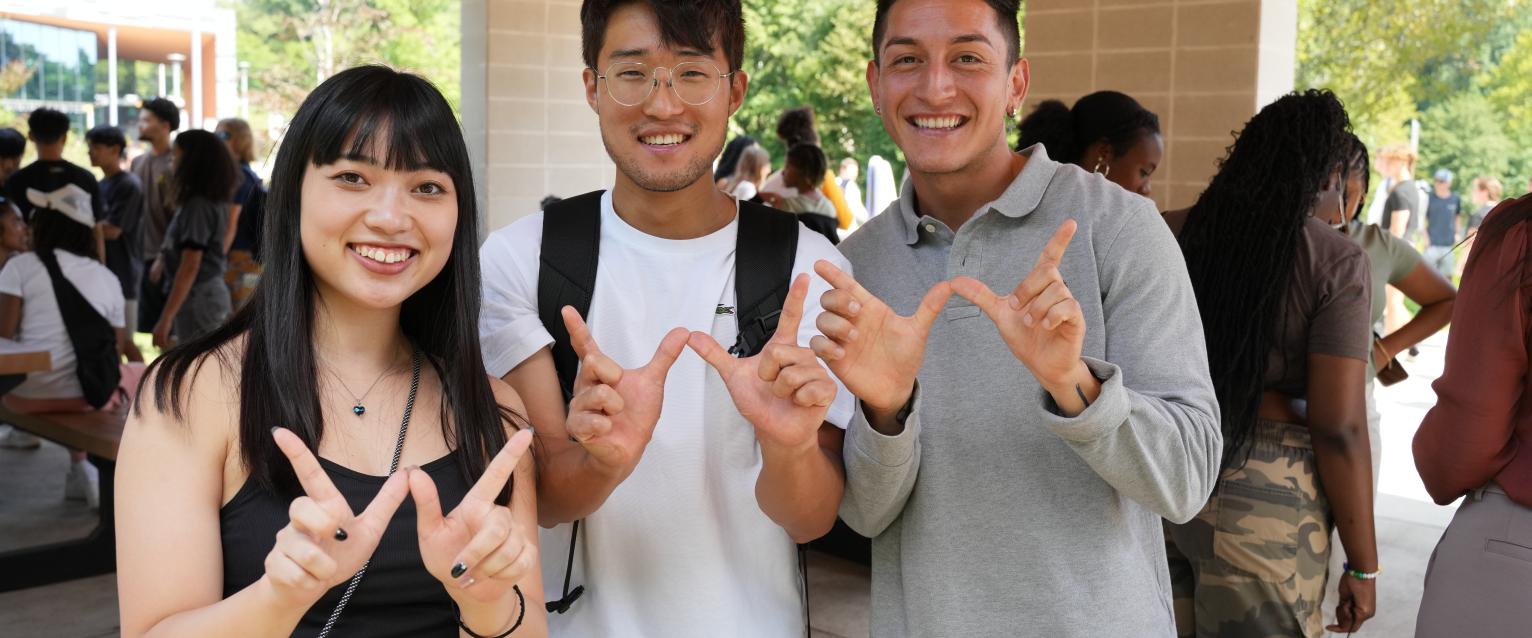
Three students stand outside on Western Michigan University's campus making "W"s with their hands to celebrate Western.

TerraDotta: Our Online Immigration Portal

Alert: Duration of Status

A megaphone icon to indicate a news alert.

On July 17, 2026, the final rule for the elimination of the Duration of Status (D/S) was released by the U.S. Department of Homeland Security. Current immigration regulations remain in effect until September 15, 2026. 

The final rule modifies how periods of authorized stay are determined for F-1 and J-1 nonimmigrant categories in addition to other changes. International Student and Scholar Services is conducting a detailed review of the new regulations and will continue to communicate updates. 

More at wmich.edu/internationl/immigration/news.


Terra Dotta is the international student immigration portal at Western Michigan University. To access the Terra Dotta immigration portal, follow the appropriate instructions based on your current status. 

Options include:

Account Setup

You will receive an email invitation from International Student and Scholar Services to log in to the portal. If you haven’t received this email, check your spam folder or contact International Student and Scholar Services at @email.

Make sure you have activated your Bronco NetID and set your password before attempting to log in.

How to Log In

  1. Go to the Terra Dotta portal login page.
  2. Select the option to log in with your Bronco NetID.
  3. Enter your Bronco NetID and password.
  4. Access your Terra Dotta dashboard.

Account Setup

You will receive an email from International Student and Scholar Services with instructions to set up your account and password. If you haven’t received this email, check your spam folder or contact staff at @email.

How to Log In

  1. Go to the Terra Dotta portal login page.
  2. Select the option to "Login with Portal Account"
  3. Enter your personal email address (the one used to set up your Terra Dotta account) and your password.
  4. If you forgot your password, use the "Forgot Password" link to reset it.
  5. Access your Terra Dotta dashboard

Helpful Tips

  • Be sure to use the correct login method for your current status to avoid errors.
  • For the best user experience, it is recommended to use a computer or tablet to access the portal.
  • If you experience login issues, contact International Student and Scholar Services for assistance at @email.