
Your next steps to becoming a Bronco!
It's almost time for the good stuff, like making new friends, exploring campus, picking your classes and choosing the ways you want to get involved. Let's make it official by getting you enrolled and preparing you for your unforgettable experience as a new transfer student at Western. We'll walk you through your next steps.
Schedule your visit
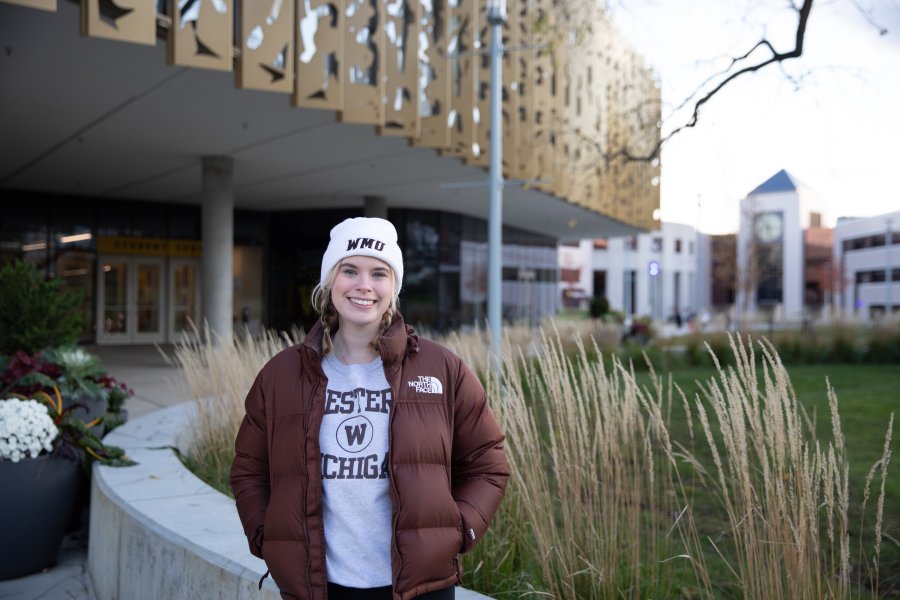
Haven't been to campus yet? Now's a great time to come see it for yourself. Join us for a student-led tour and get a feel for where you'll live, learn and build your Bronco community.

Check your Gold Gateway account
Log in to the Gold Gateway to confirm your enrollment and work through your post-admission checklist—all in one place.
Admitted transfer student checklist
Step 1: Set up your Bronco NetID
You should have received a Bronco NetID and instructions to create a password via email from the Office of Information Technology. Your Bronco NetID is different from your Western Identification Number (WIN).
After you set your Bronco NetID password, all logins will require you to use two-factor authentication (2FA) as part of the WMU login process. Have your phone and Bronco NetID password ready.
Step 2: Let us know you're coming!
Let's make it official! Just log into the Gold Gateway to confirm your spot at WMU. You'll pay a $100 enrollment deposit—or request a waiver if needed—and that amount goes toward your fall tuition. If you're eligible for a Pell Grant, your deposit will be waived automatically. Just make sure to confirm by May 1 if you're enrolling in a competitive program.
Once you've confirmed your admission, you can start signing up for orientation, exploring your housing options and preparing for the semester ahead!
Step 3: Register for transfer orientation
Orientation is your first big step into Bronco life, and it's full of energy, excitement and new connections. You'll meet fellow transfer students, tour campus and get the inside scoop on life at WMU. After confirming your enrollment, be sure to reserve your spot at the orientation for transfer students. We can't wait to meet you!

Additional steps
Complete pre-enrollment steps
To help you prepare for course selection with your academic advisor, you'll take your ALEKS math placement test and submit your Foundations in Writing materials. All of this information will help your advisor create the best-fitting schedule for your upcoming semester. These items, and more, can be accessed in the New Student Hub once you confirm your admission.
Send final transcript(s) and test scores
Submit a final transcript from your college upon completion of your most recent coursework. This is an important step as it can affect your ability to register for future terms and may also affect your financial aid and housing status. If you decide to enroll at WMU and submit self-reported scores, you must provide official test scores prior to new student orientation.
Update FAFSA and apply for scholarships
Update or complete the Free Application for Federal Student Aid (FAFSA) as soon as possible after Oct. 1 (and by March 1). If you have already submitted your FAFSA, it may not be reflected on your Gold Gateway checklist until January.
Admitted students are also encouraged to review and apply for additional scholarships using WMU's scholarship-matching tool, ScholarshipUniverse.
Check your enrollment status
Make sure you're on track by heading to the Gold Gateway to review your admissions checklist.
It's the easiest way to confirm you've completed all the steps to officially become a Bronco and catch anything you may have missed along the way.
Transfer services—here every step of the way
From the moment you say yes to WMU, you'll have a support team by your side. Our orientation programs, designed especially for transfer students, and academic advising in your major will make sure you feel confident and connected every step of the way.
Get ready for life as a WMU Bronco
Now that you're in, prepare for a campus experience that's welcoming, active and full of ways to get involved. With a bustling calendar of events, 300+ student organizations to choose from, Bronco sporting events and our campus' many hangout spots, you'll find your place quickly. And if you're looking for more ways to connect, consider joining a living learning community. Remember to register for housing as soon as it's possible—spaces fill up fast!




Connect with WMU on social media
Join WMU on social and share your excitement about becoming a Bronco using #FutureBronco!
Additional resources and support
Registrar's Office
The Registrar's Office is available to help you succeed, from registering for classes to requesting transcripts and preparing for graduation. Visit the registrar's website to view the academic calendar, course registration schedule or to request transcripts.
IT help
The Help Desk provides technical support with email and classroom technology as well as computer, laptop and mobile device support. The Help Desk also offers a mobile help desk that provides support within the residence halls.
Office of Student Transitions
Dedicated to providing guidance and support to new Broncos and their families for a successful beginning at WMU, the Office of Student Transitions coordinates New Student Orientation, Fall Welcome and First-Year Seminar opportunities that empower students to thrive at WMU.
Exploratory Advising
Exploratory Advising is the temporary advising home for freshmen and sophomores who have not yet selected a major. Advisors help students explore academic programs and careers to help them to declare their majors by the end of sophomore year.
Still have questions? Let's connect
The Office of Admissions is open Monday through Friday from 8 a.m. to 5 p.m. We encourage you to connect with us!
Call (269) 387-2000 to make an in-person appointment or get in touch with us via email. We're excited to hear from you and look forward to answering any questions you may have.